
Catalogue Search | MBRL


Are you sure you want to remove the book from the shelf?

{{itemTitle}}
4
result(s) for
"GIMP (Computer file)"
Sort by:

Pro photo colorizing with GIMP
Obtain techniques for adding color to black and white or monochrome photographic images using GIMP. In this book you'll also learn to create a hand-tinted effect to add an element of antiquity. Pro Photo Colorizing with GIMP also teaches techniques that enable you to selectively colorize images, mixing black and white with color. There are also tips to go the opposite way: converting color images into black and white (there's more to it than just removing color). Written with both beginning and experienced GIMP users in mind, Pro Photo Colorizing with GIMP shows you how to colorize black and white images to achieve a high degree of realism. What You'll Learn Gain a basic overview of the GIMP workspace, tools, color palettes, layers, and layer masks Learn how to make the proper tonal adjustments to black and white images before starting the colorizing process Complete simple colorizing exercises for beginners and progress to more advanced colorizing techniques Colorize skin, teeth, hair, and eyes Create a nostalgic hand-tinted look and selectively colorize (mixing color with black and white) to create interesting images Use textures and patterns to create artistic colorized images Properly convert color images into black and white Colorize black and white portraits, and re-colorize old faded color portraits Who This Book Is For Pro Photo Colorizing with GIMP is primarily for GIMP users (but users of other photo editing software packages can benefit as well). It is especially useful for those who edit photographs, restore old photographs, or those who want to apply colorizing techniques for artistic effect.
Book


Book of GIMP
GIMP (GNU Image Manipulation Program) is the open source movements answer to Adobe Photoshop: a free, fully featured, professional-grade graphics editor. Half guidebook, half reference manual, The Book of GIMP is really two books in one. In the first half, readers follow full-color illustrated, step-by-step instructions to complete a series of projects, including retouching photos, animating logos, designing website visuals, and much more. In the process, they learn to harness GIMPs power. Once readers have mastered GIMP, the second half of the book offers a comprehensive reference for its many features, including drawing tools, masks, filters, transformations, and plug-ins. With clear instructions for beginners and encyclopedic coverage for experts, The Book of GIMP is the definitive GIMP resource for all users, regardless of experience level.
eBook
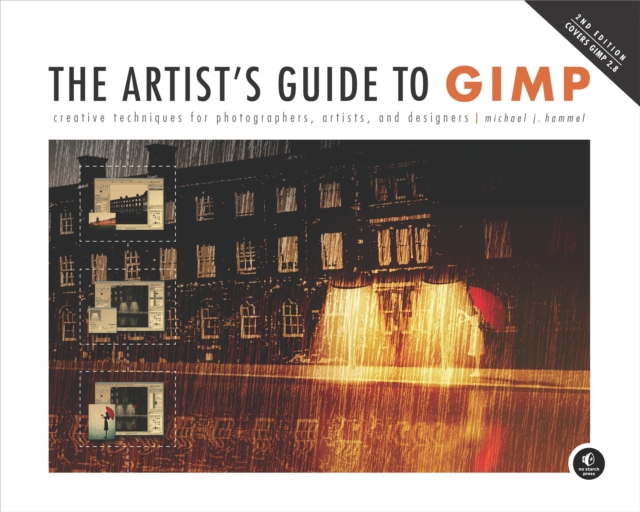
Artist's Guide to GIMP
GIMP is a powerful, full-featured, cross-platform, and free alternative to Adobe Photoshop. Although GIMP is one of the worlds most popular open source projects, with millions of users worldwide, it's notoriously difficult to use. The program lacks good documentation and many of its features remain hidden or inaccessible to casual users. The Artist's Guide to GIMP is a collection of carefully selected, practical tutorials that show the artist in all of us how to use GIMP to manipulate images and create impressive artwork for print and web use. The author focuses on the most useful features in GIMP 2.8 which heralds a major change to the program's interface.
eBook