
Catalogue Search | MBRL


Are you sure you want to remove the book from the shelf?

{{itemTitle}}
31
result(s) for
"Macro instructions (Electronic computers)"
Sort by:
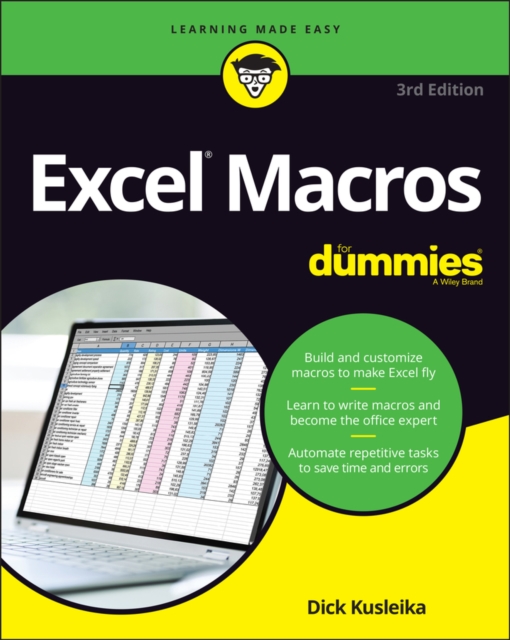
Excel macros for dummies
Save time and become an Excel wizard with the world's leading Excel macro guide
Do you love Excel and all the things you can do with it, but wish you could just work…faster? Excel macros—automated workflows that save you time and energy—might be just what you need. In Excel Macros For Dummies, you'll learn over 70 of the most productive, time-saving macros in less time than it takes to back up the files on your computer!
Every chapter in the book gives you practical info and exercises you can put to work immediately, alongside step-by-step instructions and guidance on how to customize Excel to fit your every need. Inside, you'll find:
* Automations that take your Excel productivity to the next level, and beyond
* Fully updated macros compatible with the newest version of Excel included in Microsoft 365
* Careful explanations of the basics as well as tips for the advanced user
With something for everyone, Excel Macros For Dummies is the productivity supercharger you've been waiting for. Grab a copy today!
eBook

101 ready-to-use excel®formulas
Mr. Spreadsheet has done it again with 101 easy-to-apply Excel formulas
101 Ready-to-Use Excel Formulas is filled with the most commonly-used, real-world Excel formulas that can be repurposed and put into action, saving you time and increasing your productivity. Each segment of this book outlines a common business or analysis problem that needs to be solved and provides the actual Excel formulas to solve the problem—along with detailed explanation of how the formulas work.
Written in a user-friendly style that relies on a tips and tricks approach, the book details how to perform everyday Excel tasks with confidence. 101 Ready-to-Use Excel Formulas is sure to become your well-thumbed reference to solve your workplace problems. The recipes in the book are structured to first present the problem, then provide the formula solution, and finally show how it works so that it can be customized to fit your needs. The companion website to the book allows readers to easily test the formulas and provides visual confirmation of the concepts presented.
* Teaches you how to implement the required Excel formula
* Explains and details how the formulas work
* Lets you reuse or customize the given formula to address your particular needs
* Helps you make the formulas a regular part of your new, more efficient workflow
Specific real-world scenarios are used to demonstrate how to most effectively apply Excel and its powerful formulas to complete tasks faster and with greater accuracy than ever before. Now you can save time, automate, and be more efficient and productive with 101 Ready-to-Use Excel Formulas.
eBook
101 ready-to-use Excel macros
Mike Alexander is a Microsoft Certified Application Developer (MCAD) and author of several books on advanced business analysis with Microsoft Access and Excel. He has more than 15 years of experience consulting and developing Office solutions. Michael has been named a Microsoft MVP for his ongoing contributions to the Excel community. In his spare time, he runs a free tutorial site, www.datapigtechnologies.com, where he shares Excel and Access tips. John Walkenbach is author of more than 50 spreadsheet books and lives in southern Arizona.Visit his website at http://spreadsheetpage.com.
eBook


Excel 2016 for dummies enhancing & sharing data course. Automating commands with macros in Excel 2016
For tasks that you repeat all the time, a macro will save you the hassle, and you know no mistakes will be made. This video explains how to create a macro with the macro recorder and then test it make sure it does what you want.
Streaming Video
Special economic zones : progress, emerging challenges, and future directions
Ask three people to describe a special economic zone (SEZ) and three very different images may emerge. The first person may describe a fenced-in industrial estate in a developing country, populated by footloose multinational corporations (MNCs) enjoying tax breaks, with laborers in garment factories working in substandard conditions. In contrast, the second person may recount the 'miracle of Shenzhen,' a fishing village transformed into a cosmopolitan city of 14 million, with per capita gross domestic product (GDP) growing 100-fold, in the 30 years since it was designated as an SEZ. A third person may think about places like Dubai or Singapore, whose ports serve as the basis for wide range of trade- and logistics-oriented activities. In this book, the author use SEZ as a generic expression to describe the broad range of modern economic zones discussed in this book. But we are most concerned with two specific forms of those zones: (1) the export processing zones (EPZs) or free zones, which focus on manufacturing for export; and (2) the large-scale SEZs, which usually combine residential and multiuse commercial and industrial activity. The former represents a traditional model used widely throughout the developing world for almost four decades. The latter represents a more recent form of economic zone, originating in the 1980s in China and gaining in popularity in recent years. Although these models need not be mutually exclusive (many SEZs include EPZ industrial parks within them), they are sufficiently different in their objectives, investment requirements, and approach to require a distinction in this book.
eBook
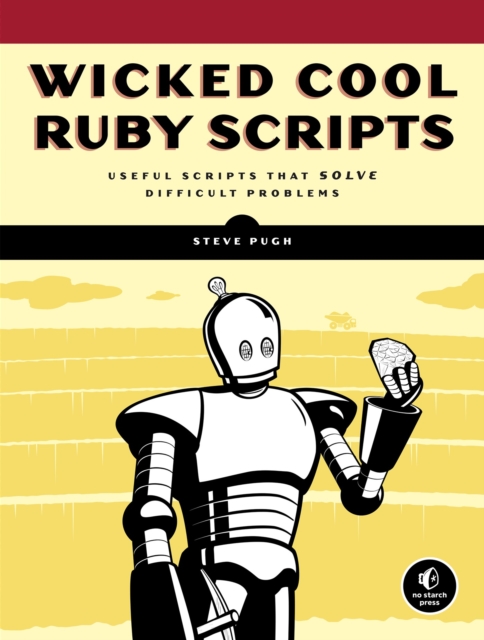
Wicked cool Ruby scripts
This is a compendium of carefully selected Ruby scripts that are immediately useful. Readers can learn how to streamline administrative tasks like renaming files, disabling processes, and changing permissions. The author goes on to show readers how to create powerful Web crawlers, full-fledged libraries and applications, and much more.
eBook
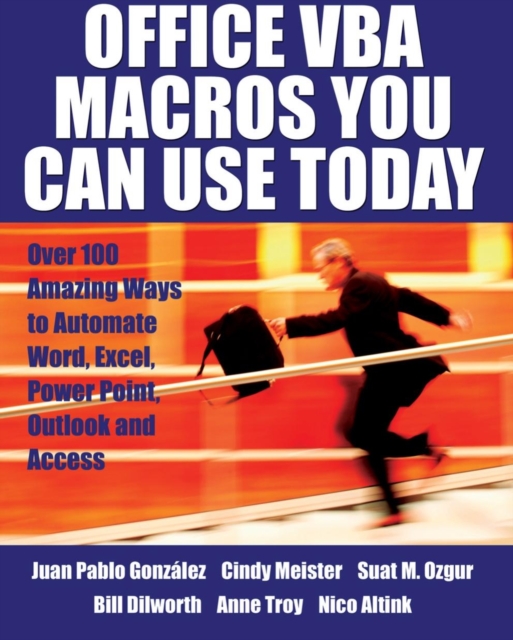
Office VBA macros you can use today : over 100 amazing ways to automate Word, Excel, PowerPoint, Outlook, and Access
For any Microsoft Office user familiar with Word, Excel, PowerPoint, Access, or Outlook, this book provides tutorials on the tools and tricks that automate these programs for increased productivity. Each lesson includes instructions and a downloadable file on which to test the VBA macros and procedures provided. Tasks covered include how to run several mail merges at once, removing duplicates from data, and saving email attachments.
eBook
Wicked Cool Ruby Scripts
Wicked Cool Ruby Scripts is a compendium of scripts that
will make your life easier by saving you time and solving problems.
If you find yourself wasting effort and time on a task a trained
monkey could do, it's time for Ruby to come to the rescue.
Wicked Cool Ruby Scripts provides carefully selected Ruby
scripts that are immediately useful. Learn how to streamline
administrative tasks like renaming files, disabling processes, and
changing permissions. After you get your feet wet creating basic
scripts, author Steve Pugh will show you how to create powerful Web
crawlers, security scripts, full-fledged libraries and
applications, and much more. With each script you'll get the raw
code followed by an explanation of how it really works, as well as
instructions for how to run the script and suggestions for
customizing it. Wicked Cool Ruby Scripts will save you from
the tedium of repetitive tasks and give you back the time it would
take to write scripts from scratch.
eBook
